

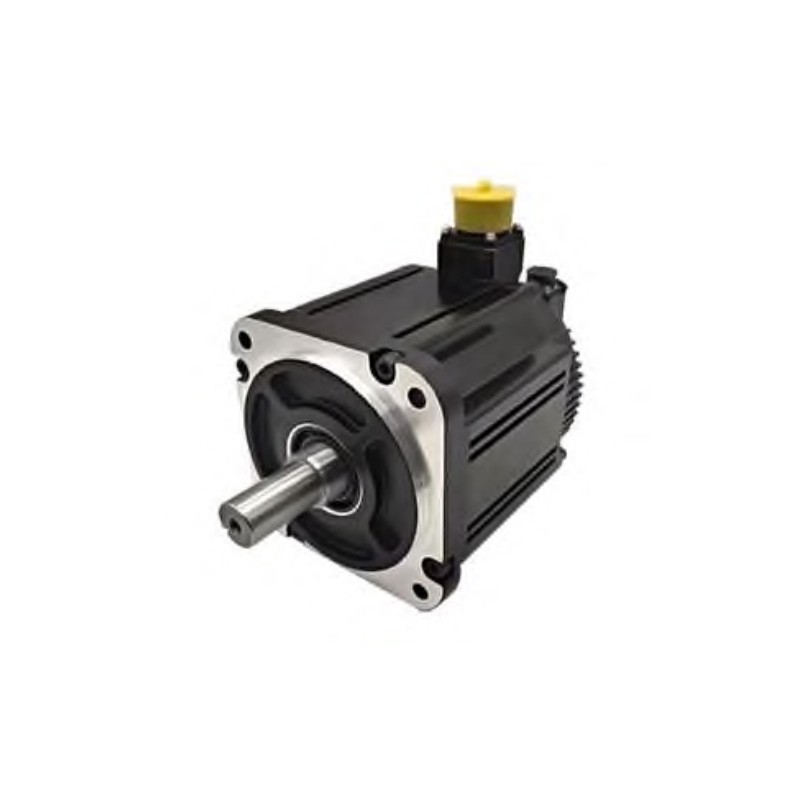
As a supplier of AC Servo Motor With Drive, I understand the importance of keeping your equipment up - to - date. One crucial aspect of maintaining optimal performance is upgrading the firmware of an AC servo motor drive. In this blog, I'll guide you through the process, highlighting why it's essential and how to do it effectively.
Why Upgrade the Firmware of an AC Servo Motor Drive?
Firmware upgrades are not just about adding new features; they are fundamental to the overall functionality and longevity of your AC servo motor drive. Here are some key reasons:
- Enhanced Performance: New firmware versions often come with improved algorithms and control strategies. These enhancements can lead to better speed regulation, higher torque accuracy, and smoother operation. For instance, a high - performance High Speed AC Servo Motor can benefit significantly from firmware upgrades, achieving even faster acceleration and deceleration times.
- Bug Fixes: Over time, software bugs may be discovered in the existing firmware. These bugs can cause issues such as erratic motor behavior, communication errors, or even system failures. Upgrading the firmware ensures that these bugs are fixed, reducing the risk of costly downtime and maintenance.
- Compatibility: As technology evolves, new components and systems are introduced. Firmware upgrades can improve the compatibility of your AC servo motor drive with other devices, such as controllers, sensors, or industrial networks. This allows for seamless integration into more advanced automation systems.
- Security: In today's digital age, security is a major concern. Firmware upgrades often include security patches to protect your equipment from cyber threats. Ensuring that your AC servo motor drive has the latest security features is crucial for the safety and reliability of your operations.
Prerequisites for Firmware Upgrade
Before you start the firmware upgrade process, there are several prerequisites that you need to fulfill:
- Check the Compatibility: Make sure that the new firmware version is compatible with your specific AC servo motor drive model. Refer to the manufacturer's documentation or website for a list of supported models and firmware versions.
- Backup Existing Data: It's essential to backup all the existing configuration data of your AC servo motor drive. This includes parameters such as speed settings, torque limits, and communication protocols. In case something goes wrong during the upgrade, you can restore the drive to its previous state.
- Prepare the Upgrade Tools: You'll need the appropriate software tools to perform the firmware upgrade. These tools are usually provided by the manufacturer and can be downloaded from their official website. Make sure that you have a stable computer with the necessary operating system and hardware requirements to run the upgrade software.
- Ensure a Stable Power Supply: A power outage during the firmware upgrade process can cause irreversible damage to the drive. Therefore, it's crucial to ensure a stable power supply. Consider using an uninterruptible power supply (UPS) to protect the drive from sudden power failures.
Step - by - Step Guide to Firmware Upgrade
Now that you've completed the prerequisites, let's walk through the step - by - step process of upgrading the firmware of an AC servo motor drive:
- Download the Firmware: Visit the manufacturer's website and locate the firmware download section. Select the appropriate firmware version for your AC servo motor drive model and download it to your computer. Make sure to save the file in a location where you can easily access it.
- Connect the Drive to the Computer: Use the appropriate communication cable to connect your AC servo motor drive to the computer. The type of cable depends on the communication interface of your drive, such as USB, Ethernet, or RS - 232.
- Launch the Upgrade Software: Open the firmware upgrade software on your computer. Follow the on - screen instructions to establish a connection with the AC servo motor drive. The software will detect the drive and display its current firmware version.
- Select the New Firmware File: In the upgrade software, navigate to the location where you saved the downloaded firmware file. Select the file and confirm your selection.
- Verify the Upgrade Information: The upgrade software will display information about the new firmware version, such as the release date, features, and compatibility. Review this information carefully to ensure that you are installing the correct firmware.
- Start the Upgrade Process: Once you've verified the upgrade information, click the "Start Upgrade" button in the software. The upgrade process may take several minutes, depending on the size of the firmware file and the speed of your communication connection.
- Monitor the Upgrade Progress: During the upgrade process, the software will display a progress bar indicating the status of the upgrade. Do not interrupt the process or disconnect the drive from the computer until the upgrade is complete.
- Complete the Upgrade: Once the upgrade is finished, the software will prompt you to restart the AC servo motor drive. Follow the instructions to restart the drive and allow it to initialize with the new firmware.
Post - Upgrade Checks
After the firmware upgrade is complete, it's important to perform some post - upgrade checks to ensure that the drive is functioning properly:
- Verify the Firmware Version: Use the upgrade software or the drive's built - in display to check the new firmware version. Make sure that it matches the version you downloaded.
- Restore the Configuration Data: If you backed up the configuration data before the upgrade, use the appropriate method to restore it to the drive. This will ensure that the drive operates with the same settings as before the upgrade.
- Test the Drive: Perform a series of tests on the AC servo motor drive to verify its functionality. This includes running the motor at different speeds, checking the torque output, and testing the communication with other devices.
- Monitor the Performance: Keep an eye on the performance of the drive over the next few days. Look for any signs of abnormal behavior, such as increased noise, vibration, or error messages. If you notice any issues, contact the manufacturer's technical support for assistance.
Common Issues and Troubleshooting
During the firmware upgrade process, you may encounter some common issues. Here are some troubleshooting tips to help you resolve them:
- Communication Errors: If the upgrade software fails to establish a connection with the AC servo motor drive, check the communication cable for any damage or loose connections. Make sure that the communication settings on the drive and the computer are configured correctly.
- Upgrade Failure: If the upgrade process fails, check the power supply to ensure that it is stable. Try restarting the computer and the drive, and then attempt the upgrade again. If the problem persists, contact the manufacturer's technical support for further assistance.
- Configuration Problems: After the upgrade, if the drive is not operating as expected, check the configuration data to ensure that it has been restored correctly. You may need to re - configure some parameters to match the new firmware version.
Conclusion
Upgrading the firmware of an AC servo motor drive is a crucial step in maintaining its performance, reliability, and security. By following the steps outlined in this blog, you can ensure a smooth and successful upgrade process. Whether you are using a Servo Motor 2kw for a small - scale application or a DC and AC Servo Motor in a large - scale industrial system, keeping the firmware up - to - date is essential.
If you have any questions about firmware upgrades or need assistance with your AC servo motor drive, feel free to reach out to us. We are a trusted supplier of high - quality AC Servo Motor With Drive, and our team of experts is ready to help you with all your needs. Contact us to discuss your requirements and explore how we can provide the best solutions for your business.

References
- Manufacturer's documentation for AC servo motor drives
- Technical articles on servo motor technology and firmware upgrades
- Industry standards and guidelines for industrial automation systems